 KonfAI
KonfAI documentation#
KonfAI documentation
Run a model.
Build a workflow.
Medical-image segmentation, synthesis and registration. Start with a published app or build a reproducible workflow around your own model.
 CT input
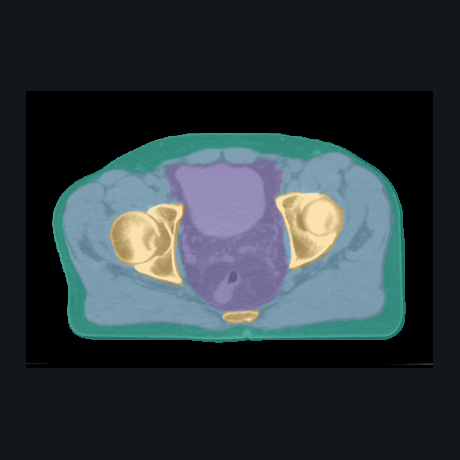 Segmentation
Choose your task
-
Published models
Run a trained model
Segment an image or generate a synthetic CT with a ready-to-use app.
Run your first app -
First experiment
Train, predict, evaluate
Complete a small CPU experiment with generated data and verified outputs.
Follow the quickstart -
Your own model
Bring an existing model
Use a PyTorch or MONAI model, or transfer compatible pretrained weights.
Adopt KonfAI -
Data preparation
Prepare a dataset
Resample, transform or combine volumes before your next experiment.
Prepare your data -
Image registration
Align two images
Choose an IMPACT-Reg preset and register a moving image to a fixed image.
Use IMPACT-Reg -
Interactive workflows
Work through a conversation
Inspect data, run jobs and view their results with Studio and the MCP server.
Open the Studio guide
Already using an MCP client? Connect the MCP server.